iPhone setup
VPN for iPhone
Use StarsVPN on iPhone with import-ready configs for Shadowrocket, Streisand, Happ, and Hiddify. Sign in with Telegram, choose a region, and issue the config from the website cabinet.
16+
regions
1-10
devices
24/7
cabinet
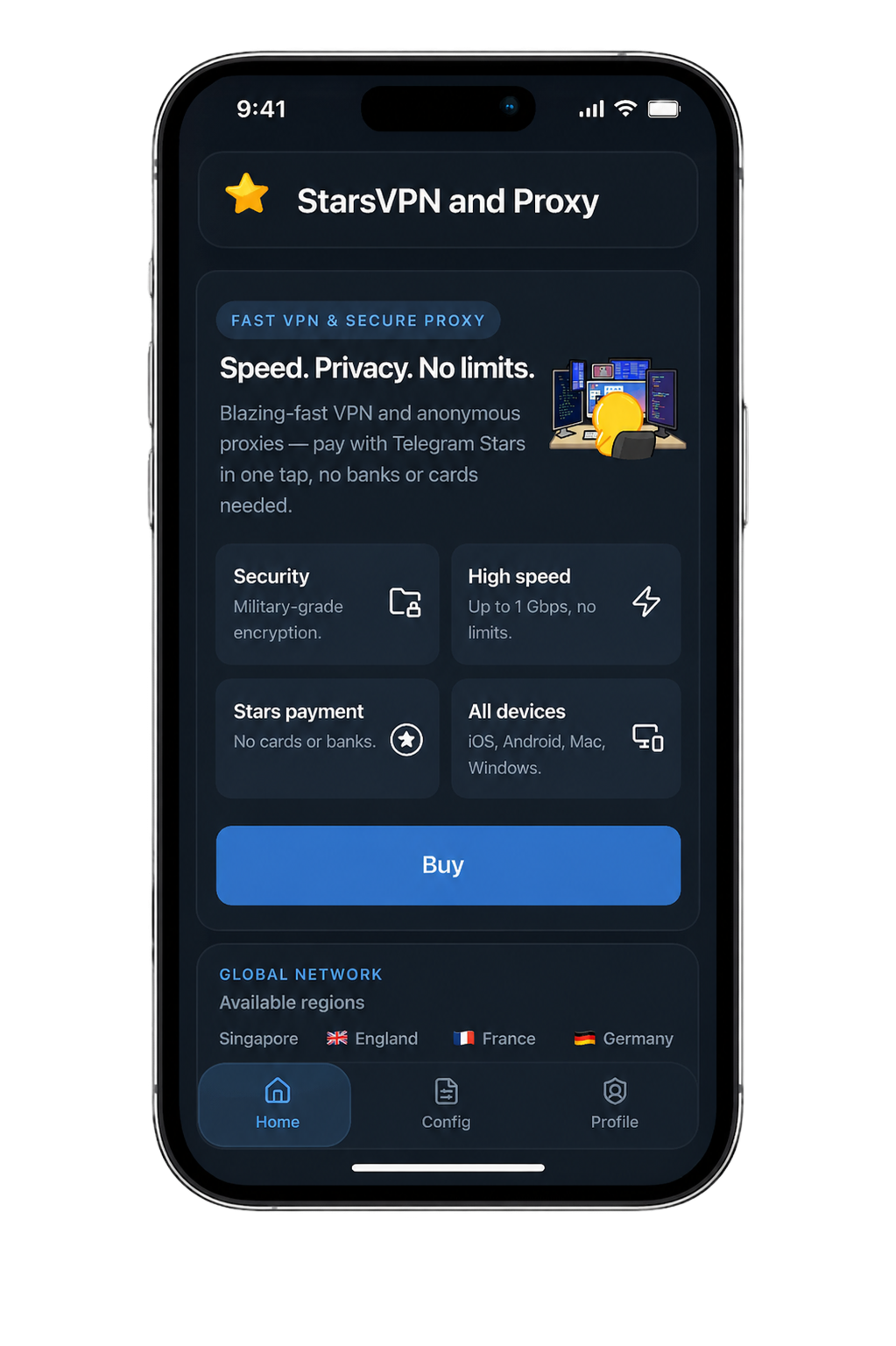
App-ready delivery
iPhone configs are shaped for popular clients so setup stays short and predictable.
Telegram account flow
The website and bot use the same Telegram identity, billing, and config history.
Region selection
Pick the location that fits your route, then re-issue later if you want a different region or protocol.
Included
What you get
The cabinet keeps sign-in, billing, app choice, and protocol delivery in one short flow.
- Step 1Telegram sign-in and Stars billing from the same account
- Step 2Recommended clients for iPhone: Shadowrocket, Streisand, Happ, and Hiddify
- Step 3WireGuard, VLESS Reality, VLESS xHTTP, Hysteria2, Trojan, AmneziaWG, and other protocol options from the same cabinet
- Step 41-10 device plans with the same route structure across the site and mini app
FAQ
Shadowrocket, Streisand, Happ, and Hiddify are the main client recommendations on this platform, and the cabinet issues configs that match the selected protocol.
Next step
Set up iPhone in one flow
Open the Telegram-linked cabinet, choose the route you need, and issue the config from the same account you use in the bot.